

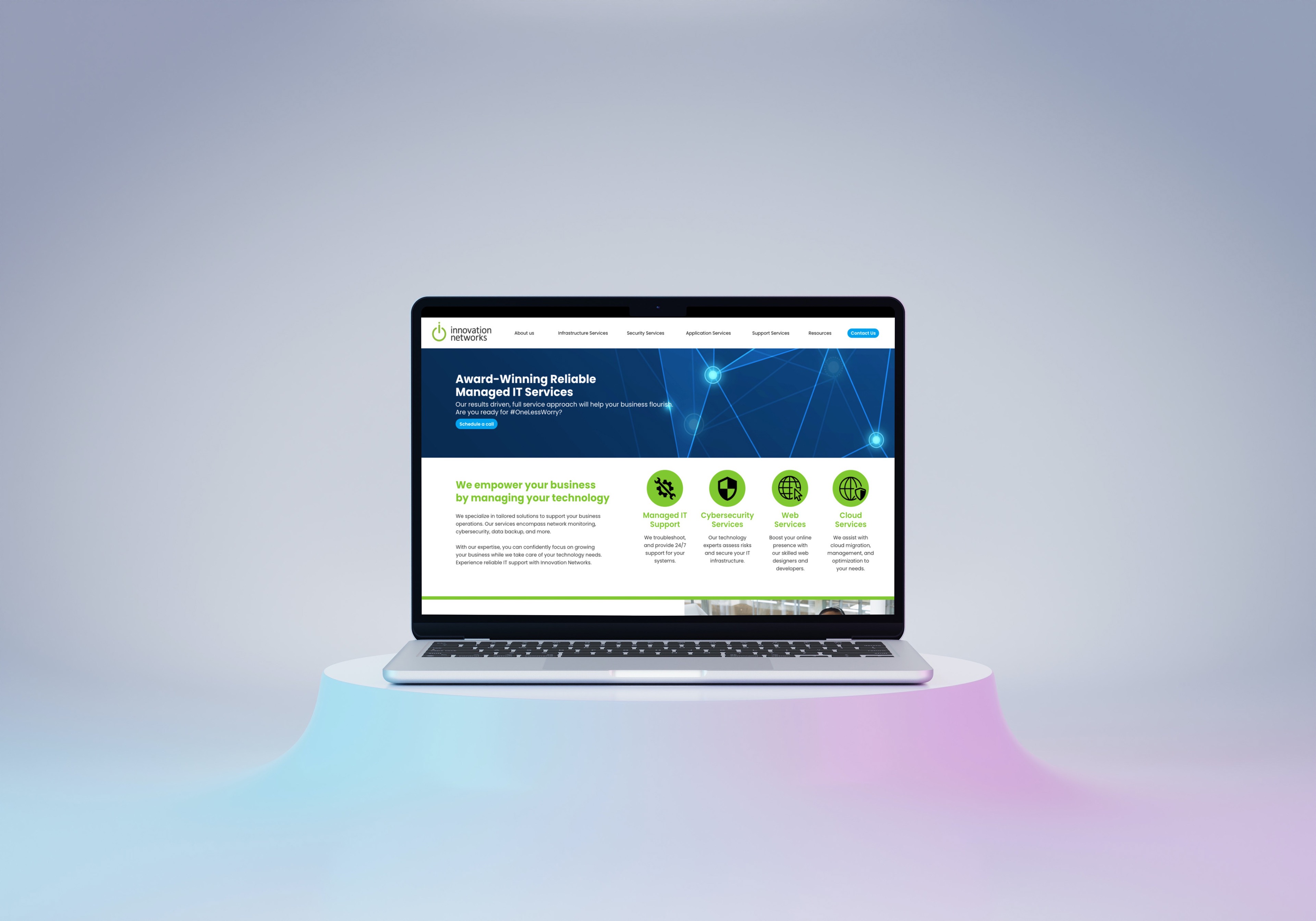
Transforming an IT Services Provider's
Digital Presence

• Stakeholder Interviews
• Competitive Analysis
• User Personas
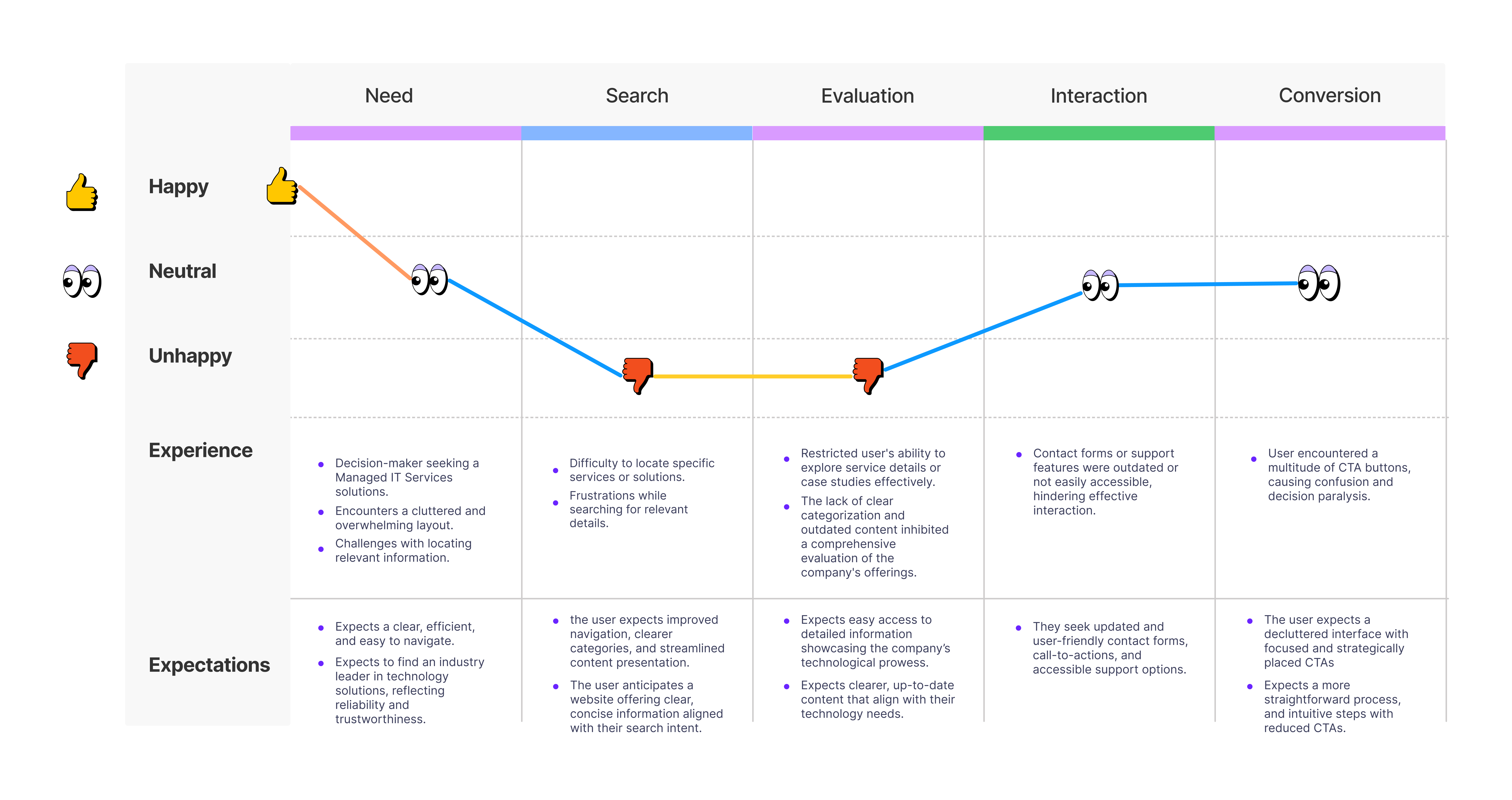
• User Journey Mapping
• Usability testing on current website
• Content Audit
• Accessibility Assessment
• Redesign Proposal

• Information Architecture (IA)
• Wireframing
• Visual Design
• Responsive Design
• Interaction Design
• Visual Prototyping
• Accessibility Considerations
• Feedback and Iterations

• Usability Testing
• Responsive Testing
• Accessibility Testing
• Content Review
• User Acceptance Testing

• Collaboration with Developers
• Reviewing implementation vs designs
• Providing design assets and resources
• Coordination with stakeholders
• User Testing

• Goal Assessment
• KPI Analysis
• Stakeholder feedback
• Lessons learned
• Actionable recommendations
In the initial phase of revamping this website, I conducted comprehensive research and analysis to drive our strategy for enhancing the current website.
I meticulously evaluated the strengths, weaknesses, and areas needing improvement, forming the foundation for the redesign.
I ensured content relevance and effectiveness, updating and reorganizing sections to align with evolving audience needs.
Deepening my understanding of our audience, refined user personas helped tailor the redesign to address user needs effectively.
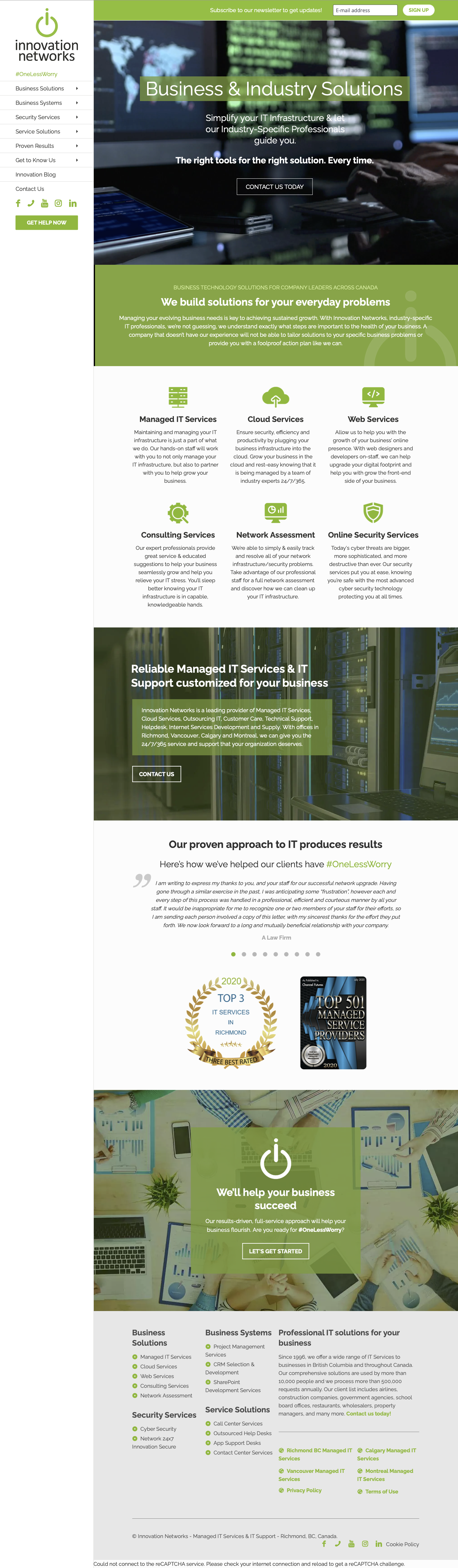

I carefully examined what the website did well, where it fell short, and what needed to be better, which guided the redesign process.
By freeing up vertical space to showcase key information and images more effectively.
We switched to a commonly used horizontal navigation layout to make it easier for users to find their way around.

• Overwhelming amount of text that distracted from the main purpose of the contact page.
• Users experienced delays in completing their intended actions on the page.
• Contact page had an unfamiliar structure, making it difficult for users to navigate and understand.

• Streamlined content to focus on the primary purpose of the contact page, reducing unnecessary text.
• Implemented a user-friendly layout and intuitive structure, facilitating quicker user engagement and action completion.
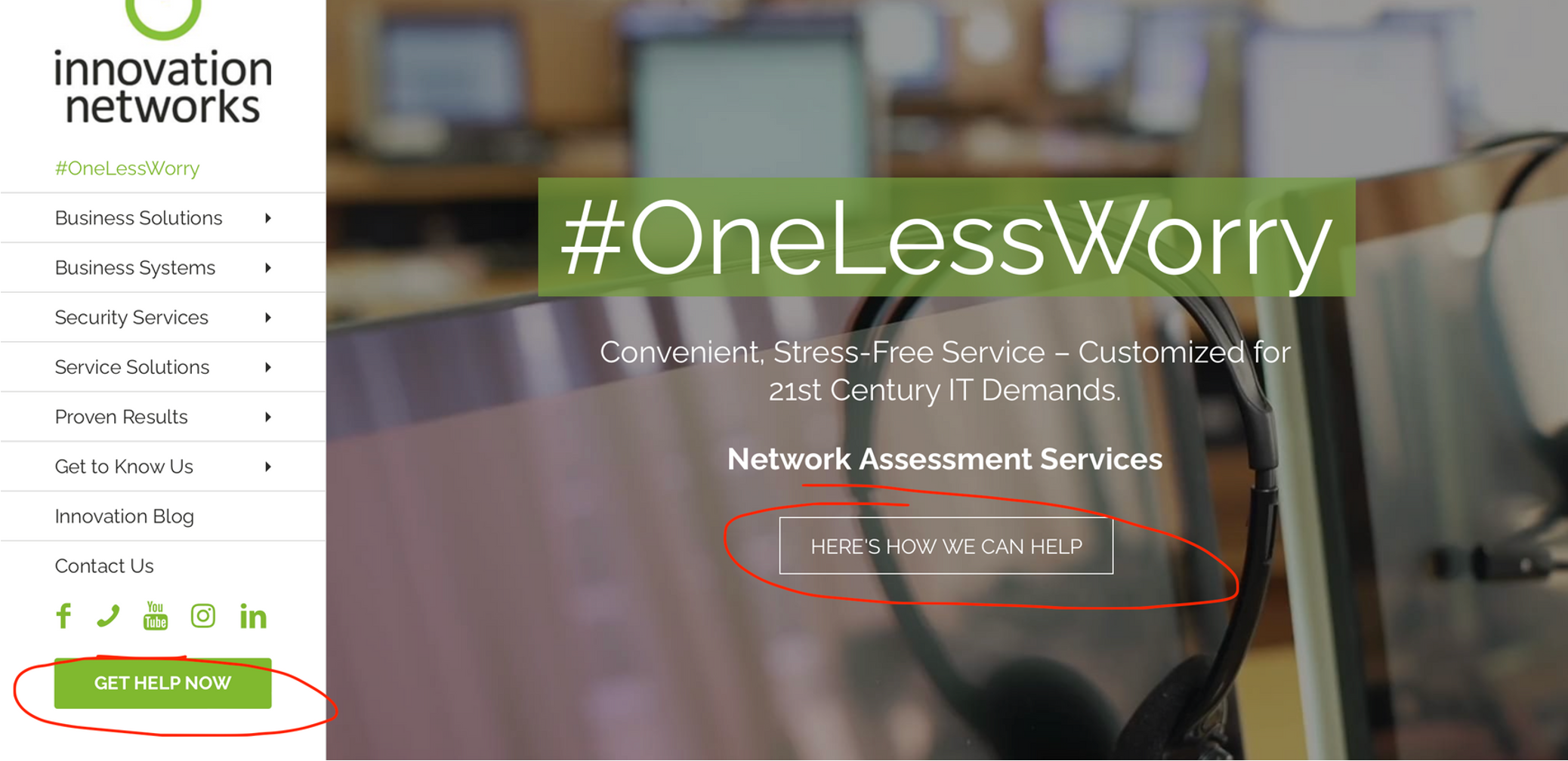
• Automatic scrolling images: A challenge for users with visual impairments and cognitive disabilities
• Inconsistent hierarchy: Sometimes, the titles didn't follow a clear order, like missing "in-between" titles, which confused users.
• Contrast ratio: Some text wasn't easy to read because it didn't stand out enough from the background, especially for people with poor vision or color blindness.

• Replaced automatic scrolling images with static ones, now controllable by users for better accessibility.
• Improved contrast ratios across elements to enhance readability, especially beneficial for users with visual impairments or color deficiencies.


We redesigned the visual hierarchy to better highlight important information.
We used clear and action-oriented language to guide users more effectively.
Enhanced contrast, text legibility, and keyboard navigability for improved accessibility.
